Loans Vancouver is built to be read by anyone, on any device: with a screen reader, with a keyboard alone, on a small phone in a crowded 99 B-Line bus or over a weak signal on the SeaBus. We aim to follow WCAG 2.1 AA. This page says what that means here and how to tell us when a page falls short.
How the pages are built
Every page is plain HTML with headings in order, real tables where the content is tabular, alt text on every photo, visible focus outlines for keyboard users, links that say where they lead and colour contrast that meets the AA ratio. Text is real text, so it grows with your zoom setting. No script has to load before the words appear, and there are no popups, no autoplay and no third party embeds.
Keyboard and screen readers
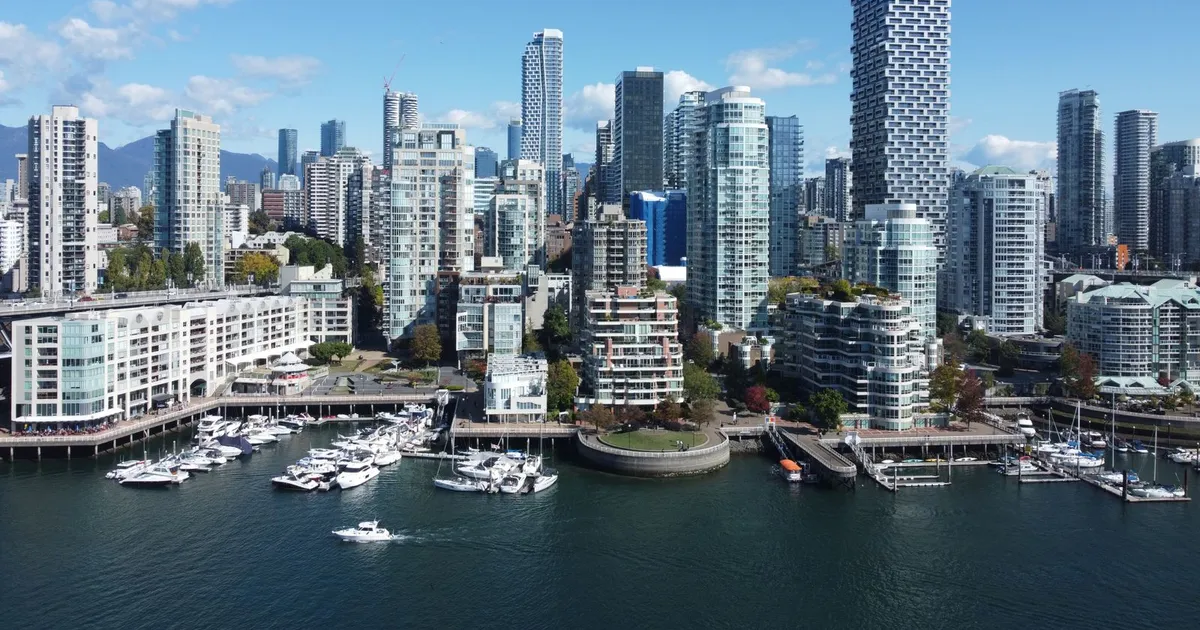
Every part of the site can be reached with the Tab key, and a skip link at the top of each page jumps straight to the content. The menu, the contents list and the tables are standard elements that assistive technology already reads well, and the apply link is an ordinary link. Photos of Vancouver carry alt text that describes what is in them, a SkyTrain crossing the Fraser or towers below the North Shore mountains, rather than repeating the heading above.

The application platform
The application runs on a separate platform, and if you have trouble finishing it with assistive technology, its support contact appears on the form and on your confirmation. The how it works page describes each step in text, including where a payday offer and an installment offer differ, so you can read what the form will ask before you open it.
Report a barrier
If a page does not work with your screen reader, your keyboard or your zoom level, write to the address on the contact page with the page and what happened. Accessibility reports go to the front of the queue, and we answer within two business days.
Loan options in Vancouver
One page per product: who qualifies, how fast it funds and what to check before you sign.